App Store Connect makes Duo screenshots mandatory: how to comply
· GNK Softworks
Apple has confirmed that iPhone Duo screenshots are going to be a requirement, not an extra. If you ship an iPhone app, a Duo set will become part of every submission. Here is what has been announced, what it means in practice, and how to get ready without redoing your screenshots from scratch.
What Apple has said
In its developer news post Prepare and submit your apps for iPhone Duo (5 October 2026), Apple wrote that “starting April 2027, any apps or games submitted will need to include screenshots for iPhone Duo.” The screenshot specifications page adds the condition: screenshots will be required for any app using the iOS 27.1 SDK or later.
Apple can change its dates and wording, so treat its pages as the source of truth and check them before you submit.
The sizes App Store Connect accepts
| Display | Portrait | Landscape |
|---|---|---|
| Inner (open) | 2007 × 2853 | 2853 × 2007 |
| Outer (closed) | 1398 × 2034 | 2034 × 1398 |
Apple's page does not describe a fallback for the Duo. For other iPhone sizes, App Store Connect can scale a larger set down, but the Duo's shape is unlike any other iPhone, so plan on providing a real Duo set rather than hoping an existing one will be reused.
Why it is worth doing before the deadline
- Duo owners will see your product page from day one. Screenshots made for the device look more at home than ones made for a tall phone.
- Deadlines land at bad times. You do not want an urgent bug-fix release in April held up because the screenshot set is incomplete.
- It is cheap if your screenshots are already a project. Adding one more output size is a small job compared with building a new set by hand.
How to comply
- Check your build. Apple says to recompile with Xcode 27.1, which adds iPhone Duo support. Make sure your app lays out properly on both displays.
- Capture your app on the Duo. Use the device or the simulator: 1878 × 2670 for the open inner display, 1398 × 2034 for the closed outer display.
- Add the iPhone Duo format to your screenshot project. In Simple App Screens, tick iPhone Duo under Output formats. Your existing headlines, background and layouts carry over.
- Upload the Duo captures and pick a frame. Choose the Inner (open) or Outer (closed) frame for each screen, and give the Duo its own layout where the shared one does not fit.
- Export and upload.The Duo images export as 2007 × 2853 PNGs, one of the sizes Apple accepts for iPhone Duo. Add them to your app's iPhone Duo screenshots in App Store Connect.
- Save the project. The next time your app changes, you update one file and re-export every size, Duo included.
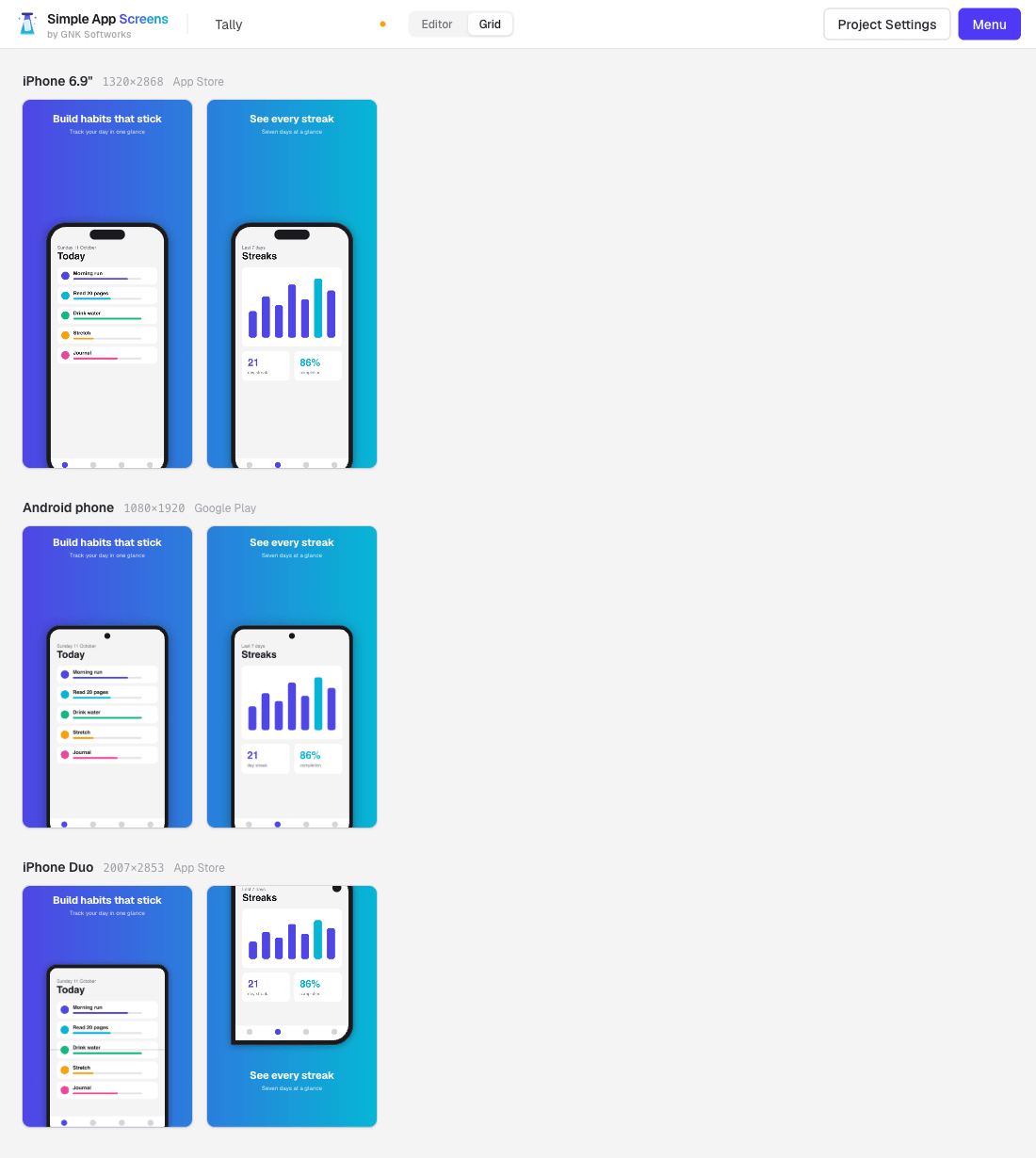
For a walkthrough with screenshots of each step, read the iPhone Duo App Store screenshots guide.
Common questions
Do I need Duo screenshots today?No. Apple's requirement starts in April 2027. You can add them earlier.
Does this affect apps that are already live?Apple's wording is about apps and games that are submitted, so expect it to apply when you next submit a build made with the iOS 27.1 SDK or later. An app you do not update is not something Apple has said will be removed.
Should I show the open or the closed phone? Either is fine. The open phone shows off the bigger display; the closed phone is how the Duo is carried and often used. Mixing both in one set works well.